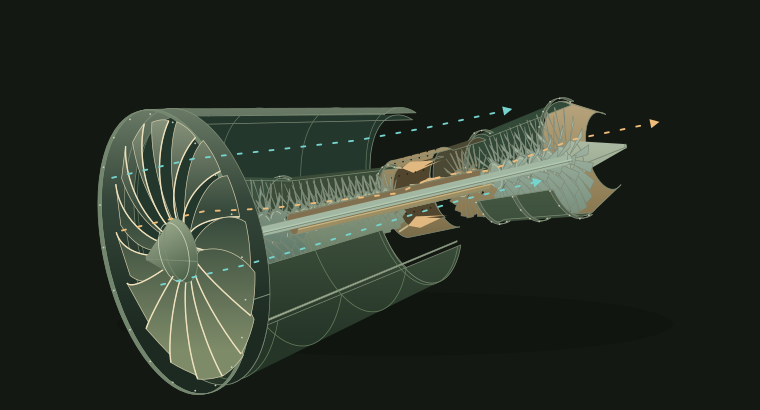
01GE9X jet engine
Look inside the GE9X. Follow its 2 air paths and explore the fan, booster, compressor, and turbines.
 cutaway.
/anatomy, adapted for ChatGPT.
Look inside the GE9X jet engine, follow water through an espresso machine, or watch a piston turn a crankshaft. Use the demos below, or ask Cutaway to explain a machine you’re curious about.
v0.2.1 · Open source · MIT licensed
Use the controls to move the parts and follow the flow. Select a component to read about it.
These demos run in your browser. No account needed.
Download the demosLook inside the GE9X. Follow its 2 air paths and explore the fan, booster, compressor, and turbines.
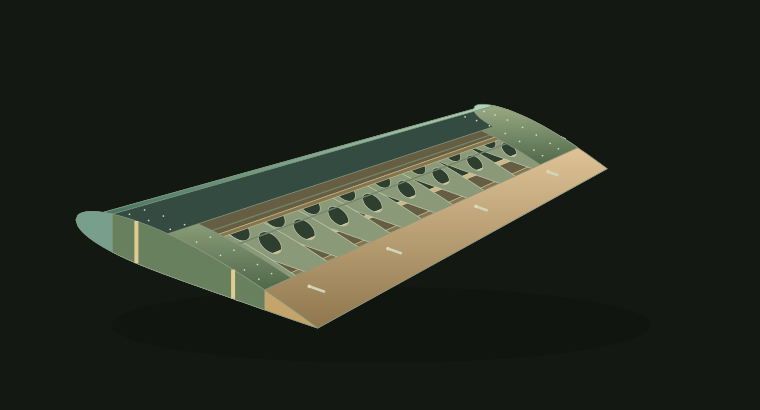
Compare wing shapes and see what changes when flaps and slats extend.
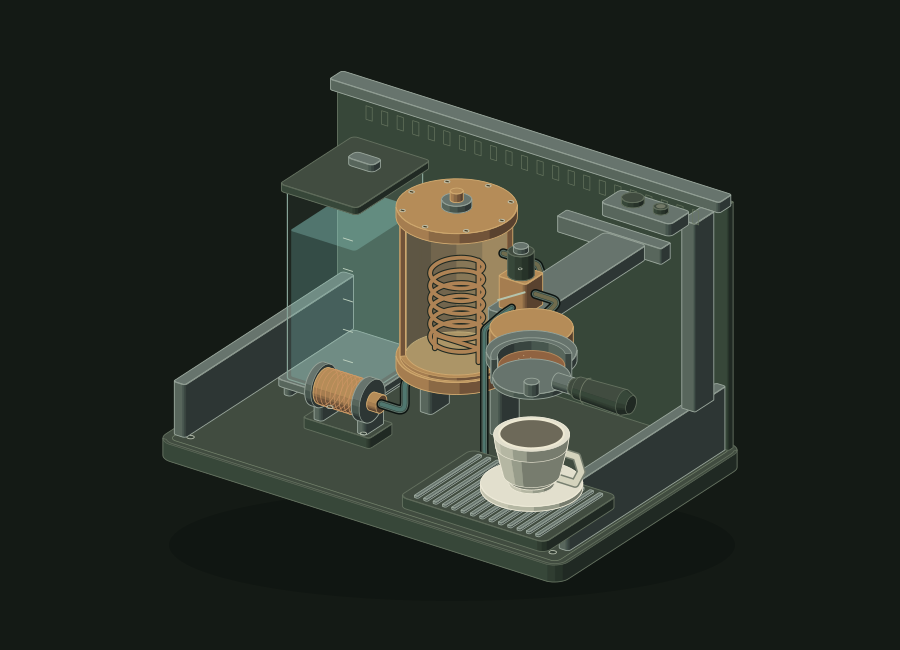
Trace water from the reservoir through the pump and boiler to the coffee.

Watch opposing pistons move toward and away from the crankshaft.
Name the machine and what you want to understand. Ask for labels, a slower animation, or a closer view of one part.
Build a cutaway espresso machine with a reservoir, pump, boiler, brew valve, group head, and portafilter. Trace the water into the cup, with controls to step through heating and brewing and select parts to read about them. Explain the simplified plumbing, include sources, and deliver a self-contained HTML file.
Open it in a browser and use the controls to follow the mechanism.
Save a still drawing for your notes, a lesson, or a presentation.
Change the drawing, add a control, or adapt it for another lesson.
Install the plugin, select it in a chat, and describe the machine you want to understand. You don’t need a separate API key.
View the source on GitHubPublic installation is coming soon. We’ll add the ChatGPT plugin link here once it’s available.
Once the listing is live, open Cutaway in ChatGPT’s Plugins directory and install it.
Type @ and choose Cutaway. Paste a prompt from above, or describe the machine you’d like to see.
Ask to see the valves, slow down the pistons, or explain why the turbine connects to the compressor.
Workspace admins can import a GitHub marketplace. Developers can install the source through a local marketplace in the ChatGPT desktop app.
Workspace setup ↗ · Local setup ↗
Version 0.2.1 · MIT licensed
Cutaway uses work by Ryan, April Zhu, and Tolga Cohce. The source includes their MIT licenses.
Ryan · @wheresryan22
Ryan created the isometric drawing toolkit and illustration guidance that Cutaway adapts for ChatGPT.
April Zhu · based on Tolga Cohce’s iso-figure
Cutaway adapts its 2D glow filters and color palettes to highlight active parts and flow paths.
Each demo explains where it simplifies shapes, timing, or flow. Generated drawings can contain mistakes, so ask for sources and check a reference diagram when a detail matters.
No. The demos on this page work in your browser without an account. You’ll need a ChatGPT session with Cutaway and suitable file and code tools to generate a new one.
Cutaway adapts parts of Ryan’s Anatomy toolkit for ChatGPT and adds its own demos and file delivery instructions. The credits above link to Ryan’s original project.
Yes. You can share the HTML files, use the SVG drawings, and modify the source under the MIT license. Keep the applicable copyright and license notices when you redistribute them.
No. The demos run locally in your browser, without analytics or external fonts and scripts. To generate a new cutaway, use the plugin in ChatGPT.